

React2Shell was only the start. Here’s what changed between December 2025 and May 2026, and how to check and patch your app in under an hour.
In early December 2025, a lot of teams had the same weekend. A critical flaw in React Server Components, soon nicknamed React2Shell, was rated 10.0 out of 10. That is the highest score a vulnerability can get. Teams patched fast, shipped, and moved on.
The trouble is, the story didn’t end there. Security researchers kept looking at the same part of the code. Over the next five months, more advisories followed: denial of service bugs, a source code exposure issue, middleware bypasses and more. Each one needed another upgrade.
So if your team patched in December and hasn’t touched the next version since, your app is probably still behind. This guide walks through what happened, in plain language, and gives you a simple checklist to confirm you’re safe.
No panic, no jargon wall. Just what you need to know and do.
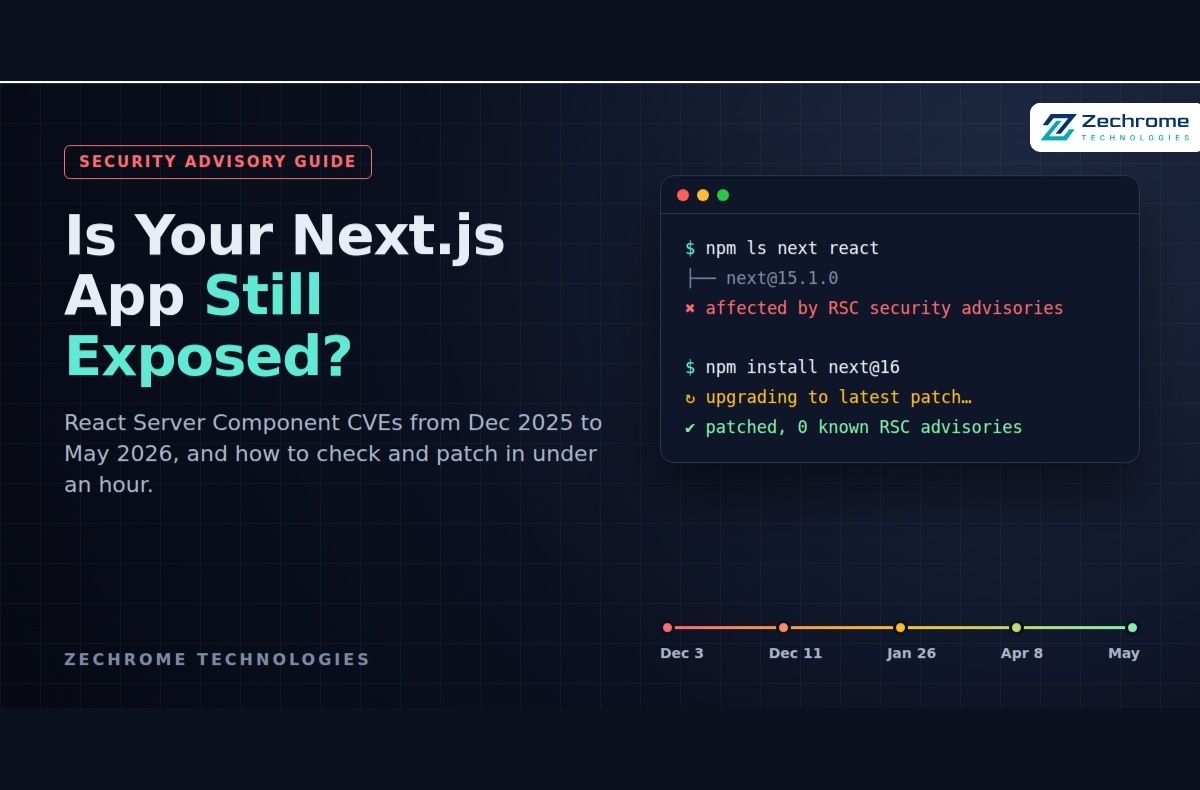
What Happened: The React Server Component CVE Timeline
React Server Components let part of your UI run on the server. To make that work, the browser and server pass data back and forth in a special format. Most of these bugs sit in how the server reads that incoming data. A carefully crafted request could confuse it.
Here is the short version, in the order it happened:
December 3, 2025: React2Shell (CVE-2025-55182), Critical 10.0. This was the big one. An attacker could run code on your server without logging in. It was an unauthenticated remote code execution flaw.
December 11, 2025: CVE-2025-55184, CVE-2025-67779 and CVE-2025-55183, High and Medium. Researchers studying the first patch found more issues. One crafted request could hang the server. Another could reveal the compiled code of your Server Functions. The first fix for the hang was incomplete, so a second release followed.
January 26, 2026: CVE-2026-23864, High 7.5. Another denial of service issue, this time through memory or CPU exhaustion. Next.js 13.x and 14.x did not get patches.
April 8, 2026: CVE-2026-23869, High 7.5. Crafted requests to Server Function endpoints could push CPU usage high enough to slow or stop your server.
May 2026: CVE-2026-23870 plus a batch of Next.js advisories, High to Low. This release fixed a React DoS bug along with Next.js issues covering:
- Middleware bypass
- Server-side request forgery (SSRF)
- Cross-site scripting (XSS)
- Cache poisoning
The fixes shipped in Next.js 15.5.18 and 16.2.6.
Why React2Shell got so much attention
This one was not theoretical. Palo Alto Networks’ Unit 42 saw attackers scanning for vulnerable servers soon after disclosure. They reported crypto miners, web shells and attempts to steal cloud credentials. Their telemetry counted over 968,000 React and Next.js instances on the internet.
The detail most teams miss
You might think, “We don’t use Server Actions, so we’re fine.” The React team was clear on this. Apps can still be affected if they support React Server Components at all. In Next.js, that means any app using the App Router.
Are You Affected? A 5-Minute Check
You are most likely affected if the first two points below are true. The third is a common myth.
- Your app uses Next.js 13.3 or later with the App Router (the app/ folder).
- Your next version is older than the latest patch in its line.
- Hosting does not make you safe. Some platforms added firewall rules, but Vercel itself says an upgrade is still required. Self-hosted apps on a VPS, Docker or Kubernetes have no such safety net.
Apps on the older Pages Router were not affected by the December RSC bugs. Still, the Next.js team recommends upgrading anyway, and several of the May 2026 fixes apply more broadly.
Step 1: Check the versions you actually ship
Your package.json shows a range. Your lock file shows what really gets deployed. Run this in the project folder:
npm ls next react react-dom
Using pnpm or Yarn? pnpm why next or yarn why next gives the same answer.
Step 2: Compare against the safe versions
As of May 2026, the patched lines were:
- Next.js 16.x: 16.2.6 or later
- Next.js 15.x: 15.5.18 or later
- React 19.x: 19.0.6, 19.1.7 or 19.2.6 or later
- Next.js 13.x and 14.x: out of support, with no fixes for the 2026 issues
Newer patches may have been released since. Always check the Next.js releases page before you upgrade.
Step 3: Check every app, not just the main one
This is where teams slip. Admin panels, marketing sites, internal dashboards and old demo projects are easy to forget. If it runs Next.js and it’s reachable from the internet, put it on the list.
How to Patch Safely, Step by Step
Patching is usually quick. What takes time is doing it without breaking production. Here is the process we follow.
1. Create a branch and upgrade
git checkout -b security/next-upgrade
npm install next@16 react@19 react-dom@19
If you need to stay on the 15.x line for now, pin to its latest patch instead:
npm install next@15.5.18
For the December issues, Vercel also published an interactive helper. It checks your versions and bumps them for you:
npx fix-react2shell-next
2. Update the lock file and check for stray copies
Commit the updated lock file. Then run npm ls next again. In monorepos it’s common to find a second, older copy hiding in one package.
3. Build and test before you deploy
npm run build
npm test
Click through the flows that matter most: login, forms, checkout and anything using Server Actions. Minor versions can change caching or middleware behaviour.
4. Stuck on Next.js 13 or 14?
This is the hard case. Those lines are out of support and did not receive the 2026 fixes. Plan a move to 15 or 16 soon. Until then, put a web application firewall in front of the app and add rate limits to reduce the risk.
5. Rotate secrets if you were exposed
If a vulnerable version was live on the internet during December 2025, treat it seriously. Rotate API keys, database passwords and cloud credentials the server could reach. Then review your logs for unusual requests or new processes.
Beyond the Patch: 6 Habits That Keep You Ahead
Upgrading fixes today’s problem. These habits make the next advisory a 20-minute job instead of a stressful week.
- Turn on automated dependency alerts. Dependabot or Renovate will open a pull request the day a fix lands. Add npm audit to your CI pipeline too.
- Keep secrets out of your code. The source code exposure bug (CVE-2025-55183) only leaked secrets that were written directly into code. Values read from environment variables at runtime were safer. Treat that as a lesson for every project.
- Validate everything a Server Action receives. A Server Action is a public endpoint, even if no button points to it. Check auth inside the action and validate inputs with a library like Zod.
- Don’t rely on middleware alone for auth. Several May 2026 fixes were middleware bypasses. Check permissions again close to the data, in the route handler or data layer.
- Add rate limits and a firewall in front of your app. Most of the 2026 bugs were denial of service. Rate limiting and a WAF won’t replace patching, but they soften the blow.
- Keep an inventory of every app and its version. A simple spreadsheet works. You can’t patch what you forgot you had.
The Bigger Lesson
React Server Components are a strong feature. We still use them and still recommend them. But they moved a lot of logic back to the server, and the server is where attackers aim.
The real takeaway from these months isn’t “React is unsafe.” It’s that one patch is rarely the end of a story. When a big vulnerability lands, researchers keep digging in the same area, and follow-up fixes are normal. Teams that upgrade often, in small steps, handle this calmly. Teams that upgrade once a year end up in a rush.
Quick Recap
- Check your real next and react versions with npm ls.
- Move to the latest patch of Next.js 15 or 16. As of May 2026, that meant 15.5.18 or 16.2.6 at minimum.
- Plan an exit from Next.js 13 and 14.
- Rotate secrets if a vulnerable build was public in December 2025.
- Automate dependency alerts so the next fix finds you first.
At Zechrome, we build and maintain Next.js and React apps, and this kind of upkeep is a normal part of our work. If you have a question about your own setup, feel free to leave it in the comments. We read them all.
